
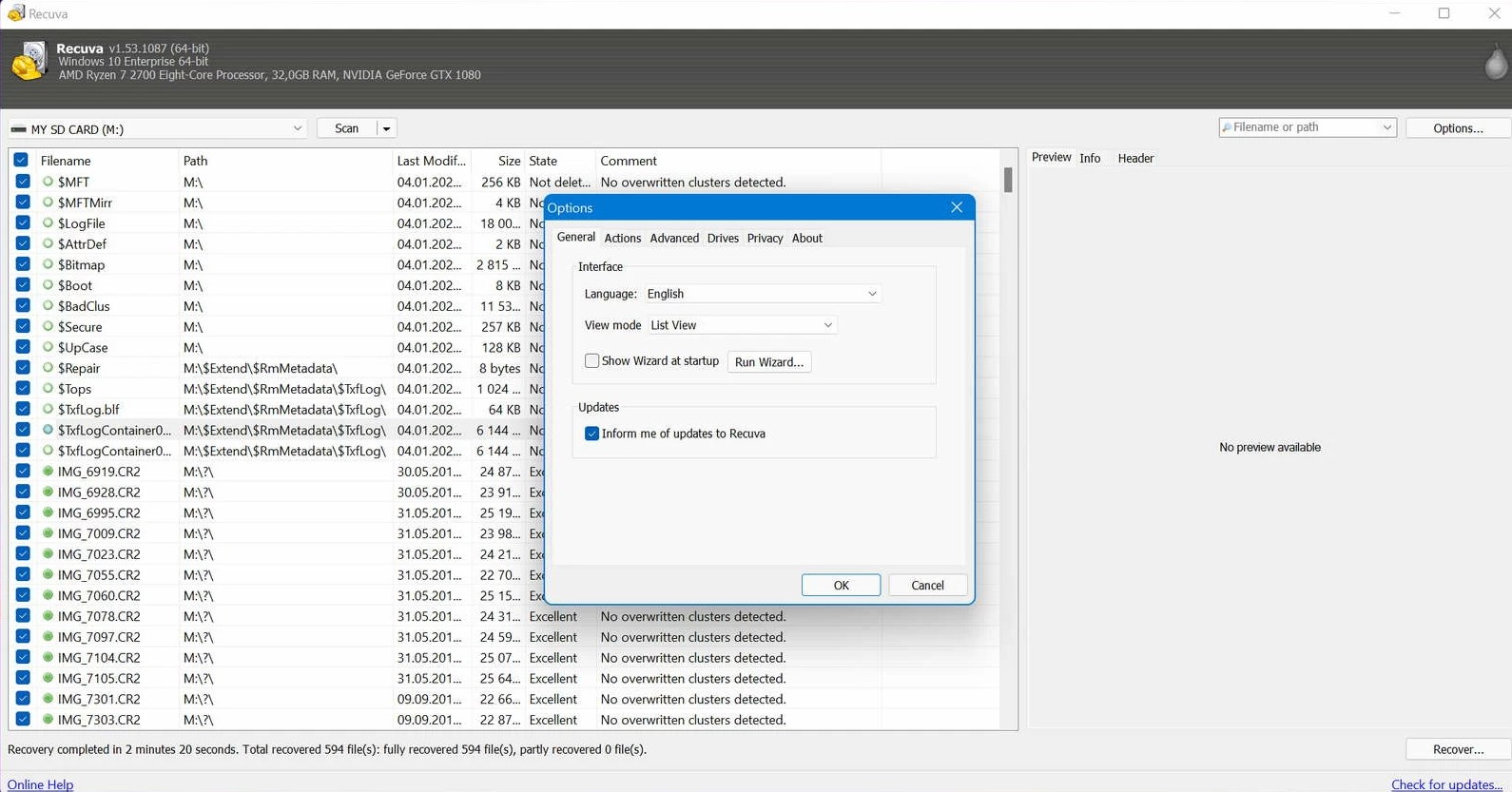
A portable zip can be handy when you cannot run an installer on a locked-down PC or you want the binary on a toolkit USB. The same rules still apply: do not extract or run recovery from the volume you are scanning if you can avoid it—every write competes with deleted data.
Portable builds still write configuration, crash dumps, and thumbnails somewhere—often under your user profile or next to the executable. Before a crisis, test where those paths land on a sacrificial machine so you are not surprised during a live incident.
Policy and antivirus interactions
Some enterprises block unknown executables or quarantine USB tools automatically. If Recuva never starts, hash verification and IT approval may be faster than fighting Smart App Control. Document the exact build you were cleared to run so auditors can reproduce your steps.
Prefer running from another internal disk or a different USB stick. Keep the portable folder simple—no cloud sync engines pointed at it mid-recovery. If policy allows, an installed copy on a secondary partition is fine as long as that partition is not the source of lost files.
Portable vs installer: practical differences
- Installers can place shell extensions or scheduled tasks you may not want on a witness laptop.
- Portable folders are easy to delete after engagement—useful for privacy-sensitive recoveries.
- Either mode still needs free space on the destination disk; carrying an empty 2 TB USB “just in case” beats filling C: with recovered blobs.
When scanning BitLocker-protected volumes, keys and protectors matter more than zip vs exe. If Windows will not unlock the volume, Recuva cannot see meaningful plaintext—resolve encryption first.
After the job, verify portable folders are not synced to cloud backup by mistake; recovered data in a synced subtree can leak to tenant storage. For a step list from panic to verification, use Workflow alongside this page.
UAC, elevation, and “it works on my machine”
Some volumes require elevated rights to read raw sectors. If a portable build fails silently on a standard user, test an elevated run only after you understand what elevation might log in enterprise SIEM. Document approvals.
Version pinning and integrity
USB toolkits rot when every tech drops a different zip on the stick. Pick a version, record the SHA-256, and refresh on a schedule—not mid-incident unless security mandates it. Matching hashes proves you ran what you think you ran.
Air-gapped and offline desks
Portable Recuva fits air-gapped recovery because it does not need our website mid-scan. Still plan for signature updates offline if policy allows import/export of tool updates via sneakernet.
Handoff checklist for the next operator
- Which physical port and reader model was stable.
- Whether Fast Startup was disabled before boot-from-USB attempts.
- Exact destination paths used for recovered data and free space remaining.
Cleanup and retention
When the case closes, wipe the toolkit USB if policy requires it; otherwise archive it read-only. Portable folders left on a client laptop have become discovery items in litigation—treat them like any other forensic artifact.